Why do companies pay for free software? What it means for your money app
Linux is free, yet companies pay for it. Brandon from Sum's finance team on what they're really paying for, and what to ask of any money app you trust.

In my second job, the finance role at the logistics company, one of my tasks every year was going through the IT budget line by line with the IT manager, Mr Goh. He had a mug that said "Have you tried turning it off and on again?" and he meant it sincerely.
Halfway down the list was a support subscription for the servers that ran the warehouse system. I put my pen on it. "Mr Goh, these servers run Linux, right? I thought Linux was free."
He didn't even look up. "It is free. We're not paying for Linux. We're paying for the phone number."
I didn't really get it until a month-end close a few months later. Around 11pm, with half the finance team still in the office, the warehouse system stopped responding. Mr Goh made one call. Someone on the other end picked up, knew the system, and by about 1am we were back to reconciling. I went home thinking about that phone number for most of the taxi ride.
I'm Brandon, I'm on the finance team at Sum. Our latest carousel asks the same question I asked Mr Goh: why do big companies pay for software that's free? The answer turns out to say a lot about money apps too, and about why Sum is built the way it is. I'll go through it one slide at a time.
Free to download isn't the same as free to run
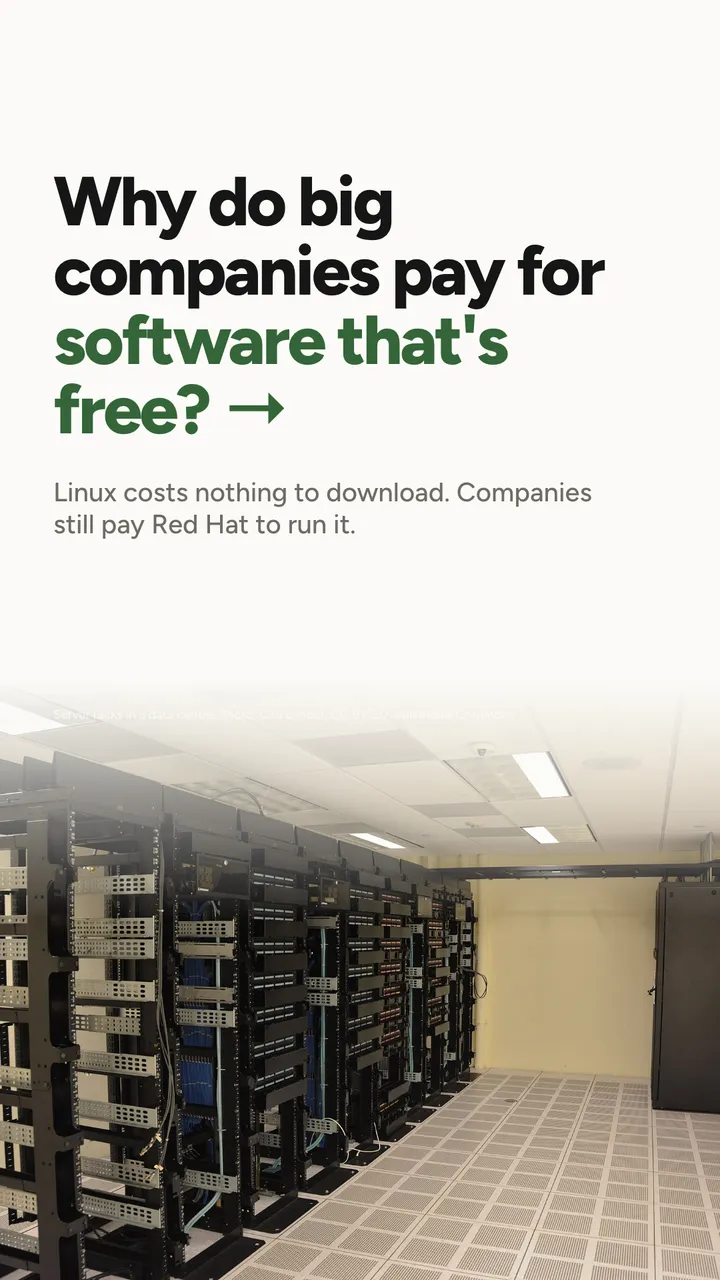
Linux is an operating system, the layer of software that sits between a computer's hardware and the programs on it. It's open source, which means anyone can download it, read the code and use it without paying a licence fee.
And yet companies pay for it every year. Red Hat, for example, sells subscriptions to Red Hat Enterprise Linux, its version of Linux for businesses. The code is open. The subscription is what costs money.
That sounds like a contradiction until you think about what a company actually needs from software it depends on. Downloading it is the easy part. Running it for years, through updates, security problems and the odd 11pm failure, is the hard part.
What this means for you
When something is free to download, it's worth asking a second question: free to run, and who helps when it doesn't? That question applies to an operating system, and it applies just as much to the app that holds a picture of your money.
What the money actually pays for

The slide puts it in three parts, and each one is worth a moment.
- Someone to call when it breaks. Mr Goh's phone number. Software fails at inconvenient times, and the cost of a failure is mostly the time it takes to fix.
- Fixes on time. When a security problem is found, someone has to write the fix, check it and send it out quickly, not whenever they get round to it.
- Testing before every update. Every change to software can break something that used to work. Someone has to check, before the update reaches you, that it doesn't.
Here's a way to see why a company pays. Say a warehouse system handles orders worth $50,000 a day, and a failure with no one to call takes three days to sort out instead of three hours. That's roughly $150,000 of orders stuck, against a few hours. These numbers are made up, but the shape is real: the subscription is small next to the cost of the failure it shortens.
What this means for you
You're not a company with a warehouse, but the same trade applies at your scale. If your money app gets a number wrong the week your card bill is due, what matters is whether someone fixes it, and how fast.
Behind most free money apps
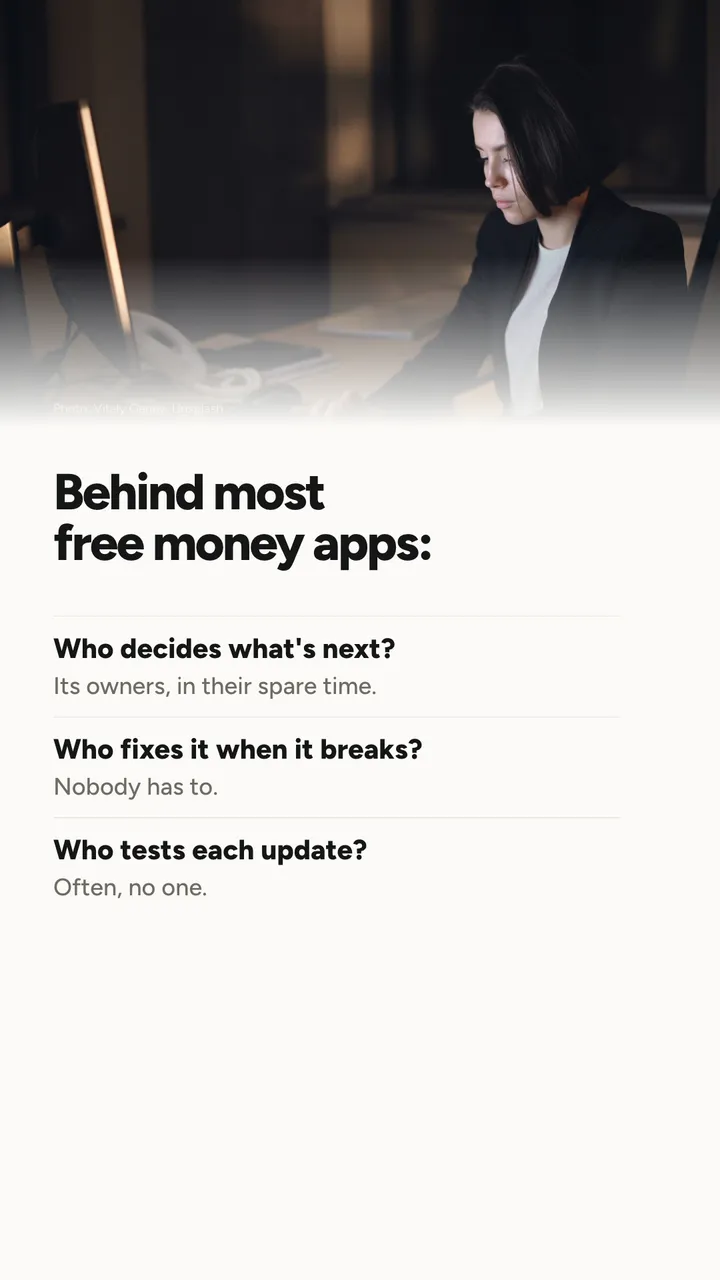
There are a lot of free money apps and spreadsheet templates around, and some of them are genuinely clever. Plenty are built by one or two people in their spare time, which is a lovely thing to do. It also means the three questions on the slide often have uncomfortable answers.
- Who decides what's next? Whoever owns it, when they have time.
- Who fixes it when it breaks? Nobody is obliged to. If a bank changes its statement layout, the import may simply stop working.
- Who tests each update? Often, no one but the person who made the change.
None of this makes those apps bad. It just means the risk sits with you. I'll admit I've been there: my once-a-year CNY spreadsheet was free, and it was also wrong in at least one cell every year, and the only person responsible for fixing it was me, the night before reunion dinner.
What this means for you
Before you trust any app with your numbers, it's worth checking three things:
| Check | Where to look |
|---|---|
| Is there a way to reach a person? | A support email or contact page, not just a FAQ |
| Is it still being looked after? | When the last update came out in the app store |
| Who else sees your data? | A privacy policy that names its outside providers |
If an app can't answer those, that doesn't mean it's unsafe. It means you'll be your own support team.
Why Sum puts support first

Here's the honest version of why I like this slide. Apps can be copied. Screens, features, even whole designs can be rebuilt by someone else in a few months. What's much harder to copy is a team that answers when you write in, checks the card terms when a bank changes them, and fixes the thing you reported.
That's the part of Sum I see every day. My own job is mostly that: when a bank changes a card's rewards, I read the new terms so the card optimiser stays right, and I keep the CPF figures up to date.
The slide also mentions the MAS-licensed financial planners Sum works with. They help shape how Sum explains things. Sum itself doesn't give advice: it shows you your own numbers, and what you do with them is your call, or a licensed adviser's if you want one.
What this means for you
"Support" is easy to say. The test is whether you can reach someone, and whether anything changes after you do. The next slide is about the first part.
Ask about anything
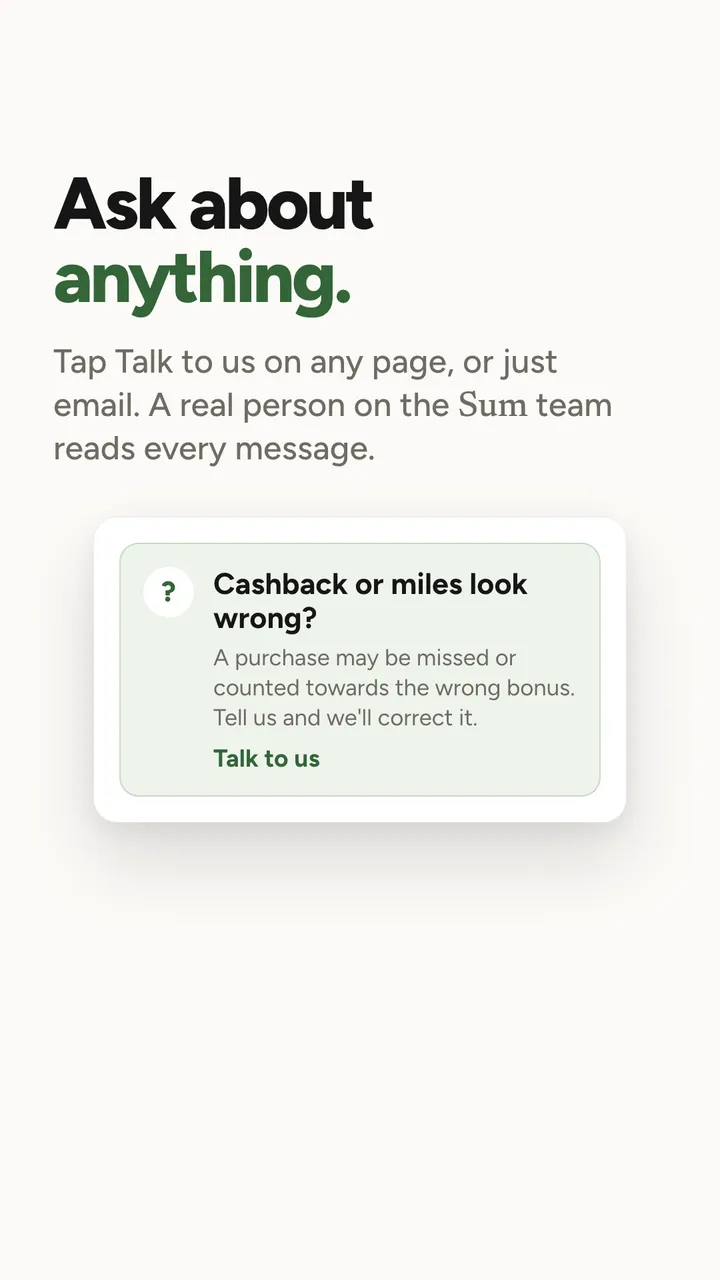
On Sum's pages there's a small box like the one on the slide. This one sits under a card's cashback or miles: "Cashback or miles look wrong? A purchase may be missed or counted towards the wrong bonus. Tell us and we'll correct it." Tap Talk to us and you're writing to the team. You can also just email [email protected], and the support page says replies usually come within one working day.
Why would cashback look wrong? Usually because a purchase landed in a different category than you expected. Let me show you with an example person.
Say Mei Ting is 31 and has a card that gives 5% back on dining (a made-up card, to keep the numbers simple). Last month she spent $600 on dining, so she expects $600 × 5%, which is $30 back. Sum shows $22. The gap is $8, and $8 divided by 5% is $160, which happens to be exactly what she spent on a birthday dinner at a restaurant inside a hotel. The hotel's payment system recorded it as a hotel charge, not dining, so it didn't count towards the bonus.
That's the kind of thing worth telling us. Sometimes the bank really will count it differently and Sum is right to show $22, and we'll explain why. Sometimes Sum has it wrong, and we fix it.
What this means for you
If a number in any money app surprises you, divide the gap by the rate. It often points to exactly one purchase, and that's the one to ask about.
Your numbers, from the source
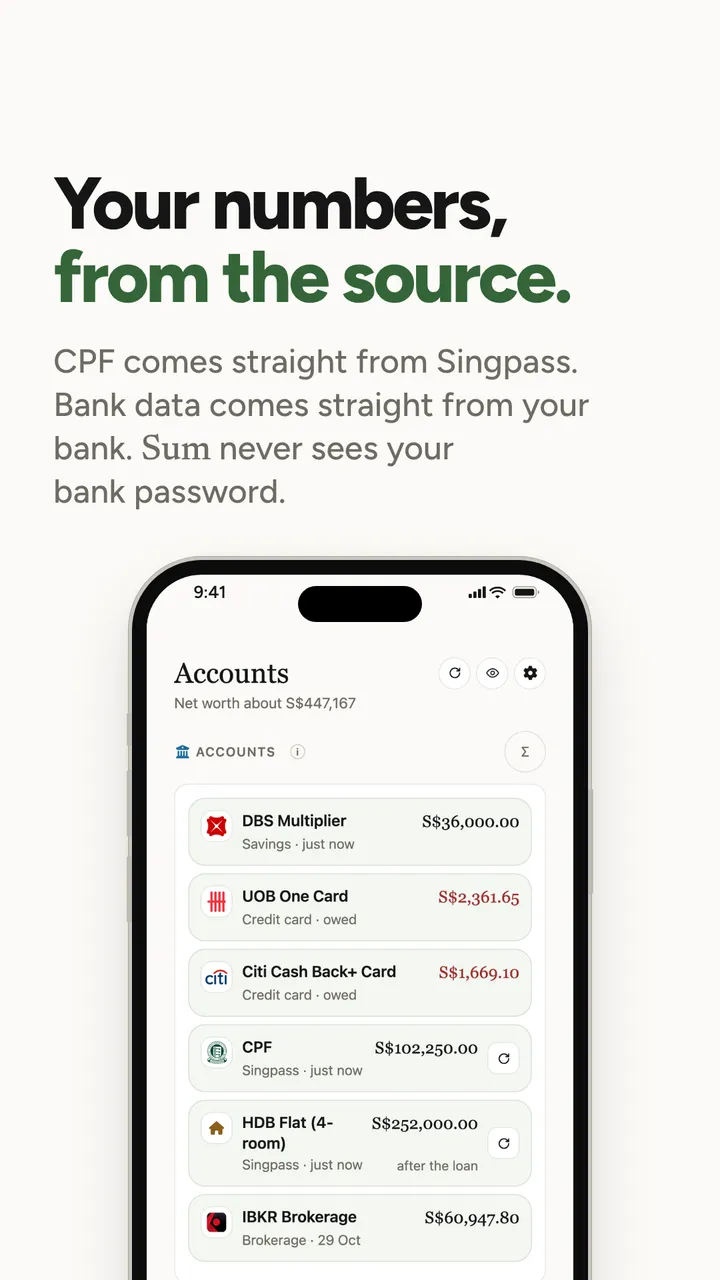
Support isn't only about answering messages. A lot of it is making sure the numbers are right before anyone has to write in. The simplest way to do that is to take them from where they start.
- Bank data comes straight from your bank. When you link a bank, you log in to your bank in its own secure window, not in Sum. Your bank password goes from you to your bank and stops there. Sum gets balances and transactions, read-only. It can never move money.
- CPF comes straight from the official record. On the Essential plan, Sum can pull in your CPF and HDB details automatically, with your permission, instead of you typing them in.
Here's why that matters. Typing a CPF balance by hand works, but one slip of a finger can turn $75,000 into $7,500, and your net worth drops by $67,500 because of a typo. Data from the source doesn't have that problem.
I wrote the long version of how the bank link works, and what Sum can and can't see, in How safe is Sum?.
What this means for you
Wherever you type your bank login, check whose window it is. Your bank's own login screen, opened from an app you chose, is one thing. A link that arrived by SMS asking you to "verify your account" is another, for any app.
Your statements, read by Sum
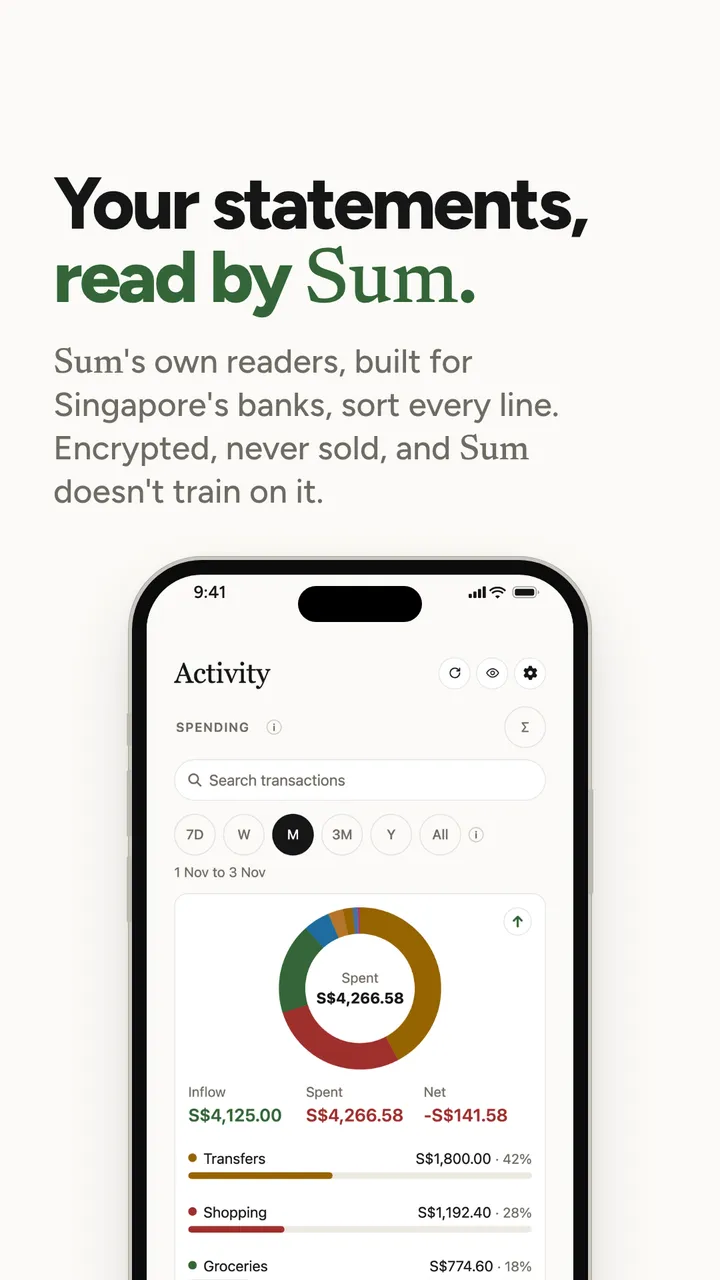
Not every account can be linked, so Sum also reads statements. You import a PDF or CSV from your bank or card, and Sum's own readers, built for the layouts of Singapore's banks, pull out every line and sort it into a category.
Built for Singapore's banks matters more than it sounds. Every bank lays out its statement differently: where the date goes, how a foreign currency charge is shown, whether a refund has a minus sign or "CR" next to it. A reader that doesn't know the layout can count a refund as spending, and a $200 refund read the wrong way round makes your month look $400 worse, $200 for the missing refund and $200 for the phantom purchase.
Your data is encrypted when it's stored and when it's sent, it's never sold, and Sum doesn't train on it. One honest footnote: when Sum's own readers can't read a file reliably, it may be sent to an outside provider to pull out the transactions, and that provider's policies apply. The privacy policy explains exactly when, and you can always add things by hand instead.
What this means for you
After any import, in any app, glance at the refunds. If a refund shows up as spending, the whole month is off, and it's the quickest thing to check.
Tested before it reaches you
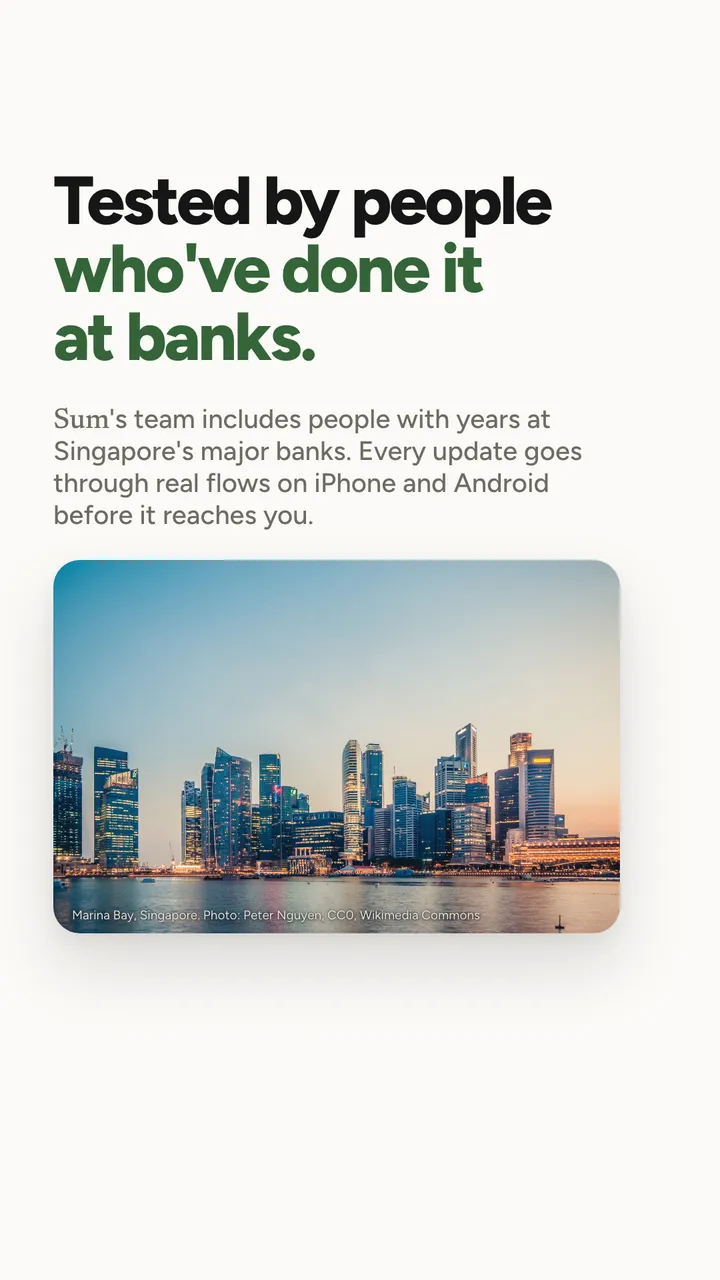
Remember the third thing companies pay Red Hat for: testing before every update. At Sum, every update goes through real flows on iPhone and Android before it reaches you. "Real flows" means the things people actually do: sign in, link a bank, import a statement, set a budget, add a bill, and check that the numbers at the end are right.
Sum's team includes people with years at Singapore's major banks, which helps a fair bit, because they know how banks really record things, the odd cases as well as the normal ones.
Here's the kind of thing testing catches. A tester once flagged that a $12 lunch showed 15.6 miles on a card that earns 1.3 miles per $1. The bank's terms work out points per purchase and round down, so that lunch actually earns 14 miles. Ethan wrote up the rounding in the DBS Altitude card review. It's a difference of 1.6 miles, which sounds tiny. Across a month of small purchases, it's the difference between a tracker you can trust and one you quietly stop believing.
What this means for you
A money app is only useful if you believe its numbers. If you catch one that's wrong, reporting it doesn't just fix yours: it fixes it for everyone with the same card.
Apps are easy to copy. People aren't.
That's the whole idea in seven words. Mr Goh's version was shorter: "We're paying for the phone number."
If you have a question about your money or about Sum, email [email protected] or visit sum.sg/support. A real person on the team reads it.
If you only remember three things
- Free to download isn't free to run. With any software you rely on, what matters is who fixes it, who tests it and who answers when it breaks.
- Before you trust an app with your numbers, check that you can reach a person, that it's still being updated, and that its privacy policy names who else sees your data.
- When a number surprises you, divide the gap by the rate. It usually points to one purchase, and that's the one to ask about.
How I keep track of this
My routine hasn't changed much: on the 1st of the month I open Sum with a kopi, import last month's card statements, and look at the three biggest categories, the card trackers and the net worth line. What's changed is what I do when something looks off. I used to shrug and fix the spreadsheet cell. Now I tap Talk to us, the same as anyone else, and I've noticed the team doesn't go easier on me for being a colleague.
I still think about Mr Goh's mug sometimes. Turning it off and on again fixes a surprising amount. For everything else, there's the phone number.
If there's a topic you want explained properly, email me at [email protected]. I read every one.
Talk soon, Brandon

Sum is launching in Singapore soon.
Your banks, cards, CPF and HDB flat, added up into one net worth. Statements sorted, card caps tracked, bills remembered.
Brandon · Finance team, Sum
Brandon is on Sum's finance team in Singapore. Brandon reads the CPF Board, IRAS and MAS updates so you don't have to, and turns our carousels into the longer version. Questions, corrections or something to share? Email Brandon at [email protected].
Got something interesting to share?
A money story, a question, something we got wrong, or a tip other Singaporeans should hear. Reach out to me at [email protected], or leave your email and I'll write to you.
Sources: Red Hat, Red Hat Enterprise Linux; Sum, Support (as at 12 Nov 2026); Sum, Privacy policy (as at 12 Nov 2026).
Any app screens shown use sample data, not a real person's. Sum is free to start; some features need a paid plan.