How safe is Sum? What the app can and can't see
Read-only access, your bank password, encryption and who can see your data. Brandon from Sum's finance team explains how Sum keeps your data safe, in plain English.

Sunday dinner at my parents' place, the usual order: rice, soup, my mum asking whether I'm eating enough. I had Sum open on my phone next to my bowl, checking whether a card payment had gone through, and my mum leaned over to look.
"This one is the bank app?"
"No, it's Sum. It shows all my accounts together."
She put her chopsticks down. "All? Then it can take money out or not?"
It's a very good question, and honestly, it's the right one to ask before you put anything about your money into any app. My mum has spent decades being told, correctly, never to give anyone her bank password, never to click a link in an SMS, and never to trust anything that sounds too convenient. An app that can see every account at once sounds, to her ears, a bit like all three.
I gave her the short answer at the table ("no, Ma, it can't"). This post is the long answer. It goes through our carousel on data security one slide at a time: what Sum can see, what it can never do, where your data lives, and who at Sum can look at it. I'll explain each term the way I'd explain it to her, because none of this should need a computer science degree.
The question worth asking first
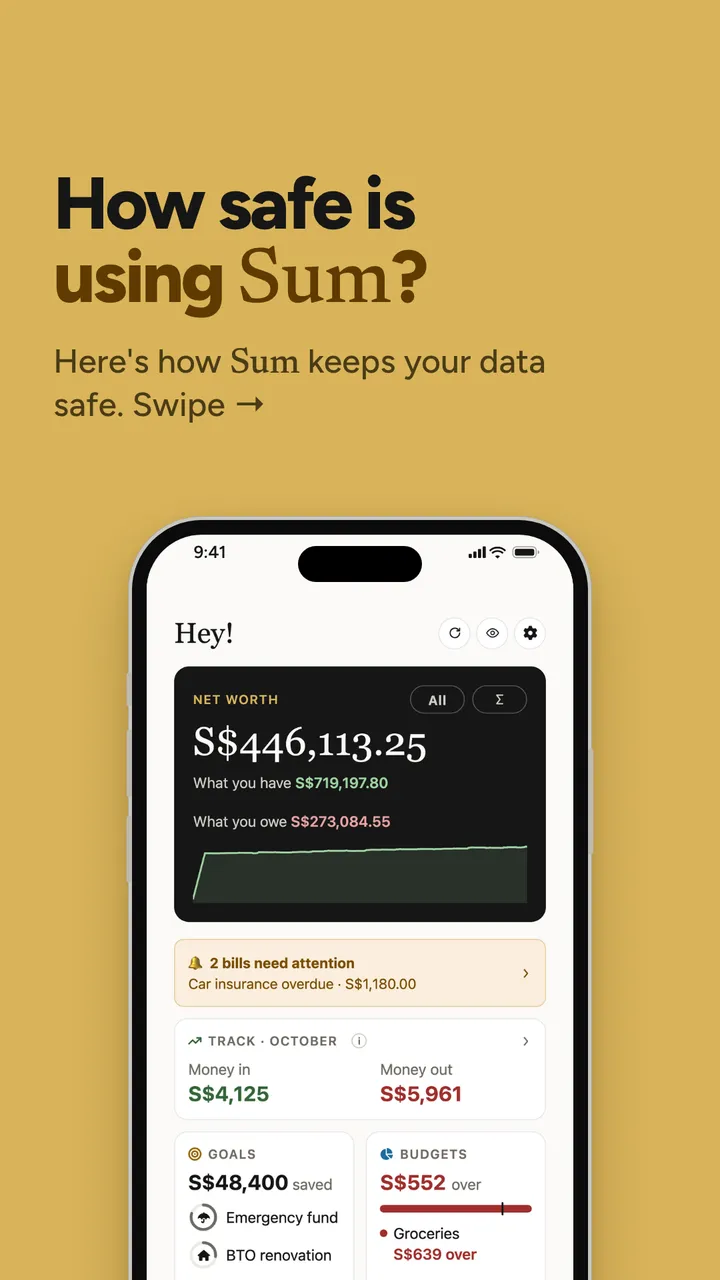
When people ask "is it safe?", they usually mean two different things at once, and it helps to pull them apart.
- Can this app lose me money? That's about what the app is able to do.
- Can someone see my financial details who shouldn't? That's about what the app stores, and who can get to it.
They have different answers, and the second one never quite goes to zero for any app, any bank or any company that holds data. What you can ask for is a clear, specific answer to each, written down somewhere you can check. For Sum that place is the privacy policy at sum.sg/privacy. Everything in this post is as stated there on 26 October 2026.
What this means for you
When any money app tells you it's "safe", look for the specifics behind the word. Which data does it hold? Can it move money? Where is the data stored, and who can read it? If an app can't answer those in plain sentences, that tells you something too.
Sum can't move your money
This is the answer I gave my mum, and it's the most important one, so it comes first.
Sum is read-only. That means it can see balances and transactions, and that's it. There is no button in the app to transfer money, pay a bill or withdraw cash, and there's no hidden version of that button either. The connection Sum gets to a bank is a read-only one: it can read what's there, and it has no way to send an instruction back.
Here's the thing I find reassuring about this. It isn't a promise to behave well. It's a limit on what's possible. A thief who somehow got into a read-only app would find a list of numbers and no way to move a single dollar of them.
A worked example
Say Darren is 29 and has three accounts in Sum: a savings account with $12,400, a current account with $3,150 and a credit card with $860 owing. This is made up, but it's a pretty ordinary picture.
| What Sum can do with Darren's accounts | Can it? |
|---|---|
| Show the $12,400 and $3,150 balances | Yes |
| Show the $860 he owes on the card, and when it's due | Yes |
| Add them up: $12,400 plus $3,150, minus $860, which is $14,690 | Yes |
| Move any of that $14,690 anywhere | No |
| Pay the $860 card bill for him | No |
When Darren's card bill is due, Sum reminds him. He still pays it himself, in his bank's own app, the way he always has.
What this means for you
A common misconception is that an app which shows your bank balance must be "inside" your bank in some powerful way. Seeing and doing are separate permissions. Your banking app has both. Sum has only the first one, and your money stays where it is.
Your bank password never reaches Sum
This is the part that worried my mum most, because she's been taught, rightly, that your bank password is for your bank and nobody else.
She's right, and Sum works the same way. When you choose to link a bank, the connection runs through Finverse, an open-banking provider that connects to Singapore's major banks. Open banking just means a bank sharing your account information with an app you've chosen, through a proper, controlled connection, instead of that app logging in as you.
Here's how it goes, step by step:
- In Sum, you tap to link a bank.
- A secure Finverse window opens. You log in to your bank there, not in Sum.
- Finverse passes your balances and transactions to Sum. It never passes your password.
Your password goes from you to your bank and stops there. Sum never sees it, never stores it and couldn't show it to anyone if asked. You can also disconnect a bank at any time.
You don't have to link anything
Linking a bank is optional. You can import a PDF or CSV statement instead, or add an account by hand under any name you like. If you import a statement, you can black out your account number or anything else first, because Sum doesn't need your account numbers to work. Uploaded files are removed after Sum reads them; the lines it sorted stay in your account until you delete them.
What this means for you
Wherever you use your bank login, check where you're typing it. Your bank's own app or website, or a bank's login window you opened yourself from an app you chose, is one thing. A link that arrived by SMS, email or chat asking you to "verify your account" is another, and it's worth never typing a password into one of those, for any app.
Encrypted, on certified hosting
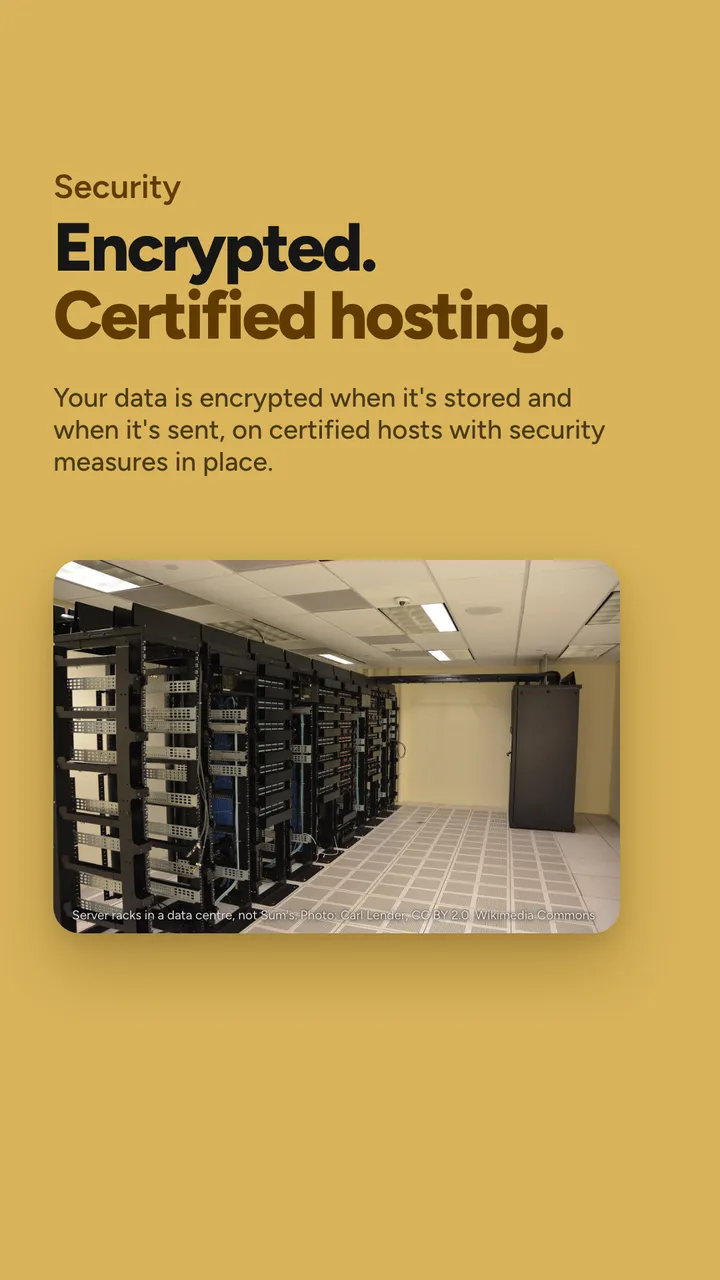
Now for the second question: what Sum stores, and how it's protected.
Encryption scrambles data so it reads as nonsense to anyone without the key. There are two moments it matters:
- In transit, while data travels between your phone and Sum's servers. Sum uses TLS 1.2 or newer for this, the same kind of protection behind the padlock in your browser's address bar.
- At rest, while data sits in the database. Sum uses AES-256 for this, a widely used encryption standard.
The "256" is the length of the key in bits. Each extra bit doubles the number of possible keys, so 256 bits gives 2 to the power of 256 possible keys, a number 78 digits long. You don't need to remember that. The point is that guessing the key isn't a realistic way in.
On top of that, every request is locked to your account, so one user can never see another user's data. And the keys themselves are managed securely and never bundled into the app you download.
Where it's hosted, and what "certified" means
Sum's database runs on Amazon Web Services, through a cloud database provider. Two terms on the slide's fine print are worth explaining:
| Term | What it means, in plain English |
|---|---|
| ISO 27001 | An international standard for how an organisation manages information security. Amazon Web Services is certified to it. |
| SOC 2 Type II | An independent auditor's report on a company's security controls, checked over a period of months rather than on one day. Sum's database provider is audited to it. |
Neither of these is a magic shield, and I'd be wary of anyone who presented them that way. What they mean is that someone independent has checked how the data is looked after, against a written standard, and found it holds up.
What this means for you
"Encrypted" on its own is a fairly empty word. The useful questions are: encrypted in transit, at rest, or both? With what? And has anyone independent checked? For Sum the answers are both, AES-256 and TLS 1.2 or newer, and yes.
No one at Sum reads your finances
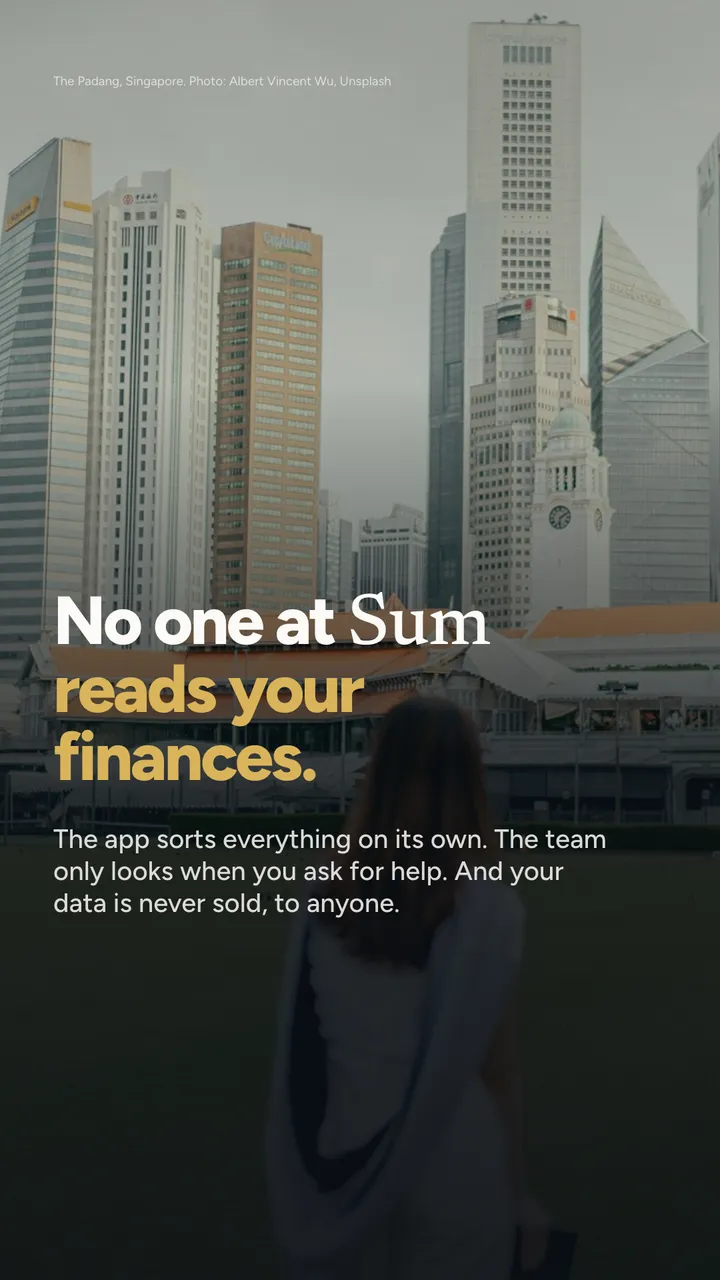
This is the one people don't always think to ask, and I think it matters just as much.
When you import a statement, Sum reads it and sorts every line into a category on its own. Nobody at Sum goes through your transactions to do that, and nobody browses accounts. The team only looks at your account when you ask us to help with a problem, for example if a statement didn't import properly and you write in about it.
I'd rather be precise here than reassuring. Sum's own servers can read your data, because that's how the app adds up your accounts and sorts your spending. What the policy says is that people at Sum don't look unless you ask them to.
Never sold
Your data is never sold, to anyone, and Sum doesn't show third-party ads against it. The list of outside providers is kept small. Apart from hosting and the bank connection, there's one for sending the text with your sign-in code, which gets your mobile number and nothing about your finances, and one for product analytics.
That analytics one is worth a sentence, because it's the kind of thing that's usually buried. It records which screens and buttons get used, so the team can see what works and fix what doesn't. It never includes your amounts, balances, account or merchant names, or anything you type, and you can turn it off in Settings, under Help, then Share usage analytics.
What this means for you
"Do you sell my data?" is a fair question to ask any free-to-start app, because the business has to make money somehow. Sum charges for its paid plans; your data isn't the product. Check the privacy policy of every money app you use for a plain "we never sell your data". If it isn't there, it's worth asking why.
Your money, your data, your call
The last slide is about control, and it's the part I like explaining most, because it's all things you can do yourself.
- Choose what goes in. Nothing reaches Sum unless you add it. Link a bank, or import a statement, or type an account in by hand.
- Lock it. Turn on Face ID or fingerprint lock, so someone holding your unlocked phone still can't open Sum.
- Hide it. Hide your balances with one tap, which is handy on the MRT or, in my case, at my parents' dinner table.
- Disconnect it. Unlink a bank whenever you like.
- Delete it. Delete any transaction, any account, or your whole Sum account from Settings. When you delete your account, your statements, transactions and everything worked out from them are purged, including from backups on a rolling basis.
And under Singapore's Personal Data Protection Act, the PDPA, you can ask any organisation that holds your personal data to show you what it holds, correct it, or stop using it. With Sum, you email and the team acts on it.
What this means for you
Before you start with any money app, find two things: how to delete your account, and what happens to your data when you do. If you can find both in under a minute, that's a good sign.
If you only remember three things
- Sum is read-only. It can see balances and transactions, and it has no way to move, spend or pay anything.
- Your bank password goes to your bank, in Finverse's window, and never reaches Sum.
- Your data is encrypted at rest and in transit, nobody at Sum reads it unless you ask for help, and it's never sold.
How I keep track of this
I'll tell you what I actually use. I link the banks I check most, and import statements for the rest on the first of the month with a kopi, the same ten-minute routine I've written about before. Face ID lock is on. And I tap to hide balances whenever my phone is on a table where other people can see it, which, since that dinner, includes my mum's.
She did come round, by the way. After I'd explained read-only, she nodded, picked her chopsticks back up and said, "OK, so it's like the passbook, but on the phone." That's honestly not a bad description. A passbook could tell you everything about your account, and it could never take a cent out of it.
If there's anything about how Sum handles your data that this post didn't answer, email me at [email protected]. I read every one, and if I don't know, I'll find out from the people who built it.
Talk soon, Brandon

Sum is launching in Singapore soon.
Your banks, cards, CPF and HDB flat, added up into one net worth. Statements sorted, card caps tracked, bills remembered.
Brandon · Finance team, Sum
Brandon is on Sum's finance team in Singapore. Brandon reads the CPF Board, IRAS and MAS updates so you don't have to, and turns our carousels into the longer version. Questions, corrections or something to share? Email Brandon at [email protected].
Got something interesting to share?
A money story, a question, something we got wrong, or a tip other Singaporeans should hear. Reach out to me at [email protected], or leave your email and I'll write to you.
Sources: Sum, Privacy policy (as at 26 Oct 2026); Amazon Web Services, ISO/IEC 27001 compliance; PDPC, Personal Data Protection Act overview.
Any app screens shown use sample data, not a real person's. Sum is free to start; some features need a paid plan.